Free motion templates for EffectCraft: maps, lower thirds, titles, logos and overlays. Each row shows all of a template's styles in one picture and a demo reel that names the feature on screen.
The templates together
Showreel: every templateShowreel (9x16)Australia trip: the templates in one travel videoAustralia trip (9x16)Make your own: the trip video project, with placeholder photos (the preview has music; the project does not)Make your own: the trip video project (9x16)
Download:every template in one ZIP, with their fonts and a README; or one template at a time with its download link below (16x9, 9x16).
Install the fonts: in the ZIP's fonts folder, or each template's Fonts link below; double-click a font file to install it (on Linux, copy it to ~/.local/share/fonts). All are free (SIL Open Font License). EffectCraft swaps a missing font for its own.
Use it: in EffectCraft, File ▸ Import ▸ Essential Graphics Template…, then change its text, colours, fonts and timing in the Essential Graphics panel. Or start a new project from it: copy the .ectemplate file into EffectCraft's Templates folder (create it if it isn't there): ~/Library/Application Support/EffectCraft/Templates on macOS, %APPDATA%\EffectCraft\Templates on Windows, ~/.config/effectcraft/Templates on Linux. It then shows on the Home screen under Templates ▸ New from Template, marked "My Templates". To reach the folder on macOS: Finder ▸ Go ▸ Go to Folder… (Shift-Command-G), paste the path; on Windows, paste it into File Explorer's address bar.
From a script (for tools that make videos): tools/render.py; see Using a template in the README.
Maps
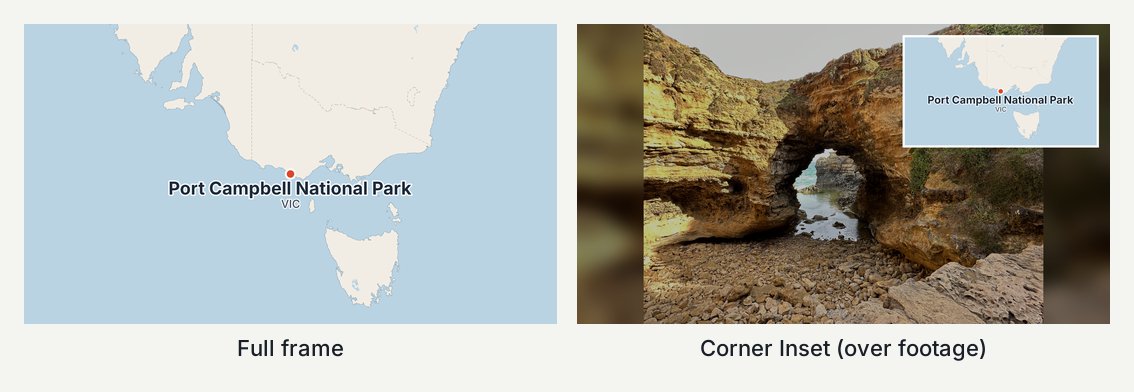
Locator
Locator: all styles
Locator: demo reelLocator: demo reel (9x16)
Zooms from a whole country to one place, then a pin, the place name and a subtitle appear; full frame or a corner card. Download: 16x9 · 9x16 · Fonts: Inter Sizes: 16x9, 9x16 · Tested with EffectCraft 0.13.0–0.14.0 · Template folder
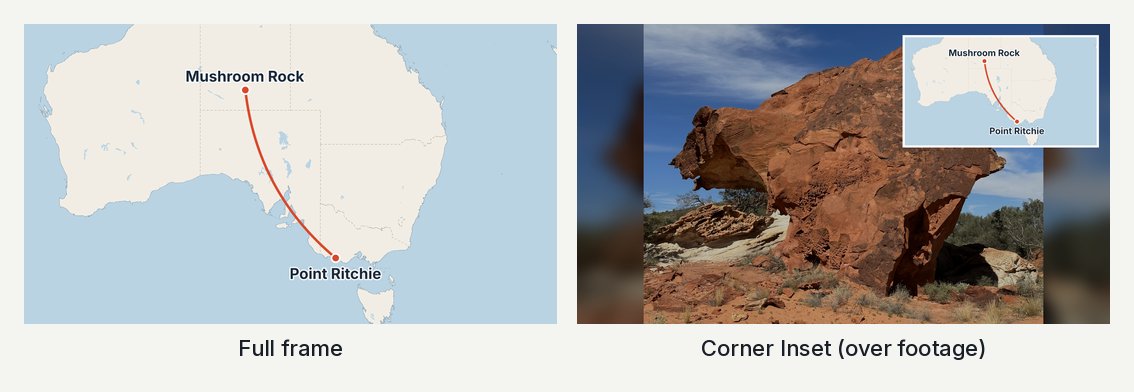
Route Leg
Route Leg: all styles
Route Leg: demo reelRoute Leg: demo reel (9x16)
A line draws itself between two places on a map, with a pin and name at each end; full frame or a corner card. Download: 16x9 · 9x16 · Fonts: Inter Sizes: 16x9, 9x16 · Tested with EffectCraft 0.13.0–0.14.0 · Template folder
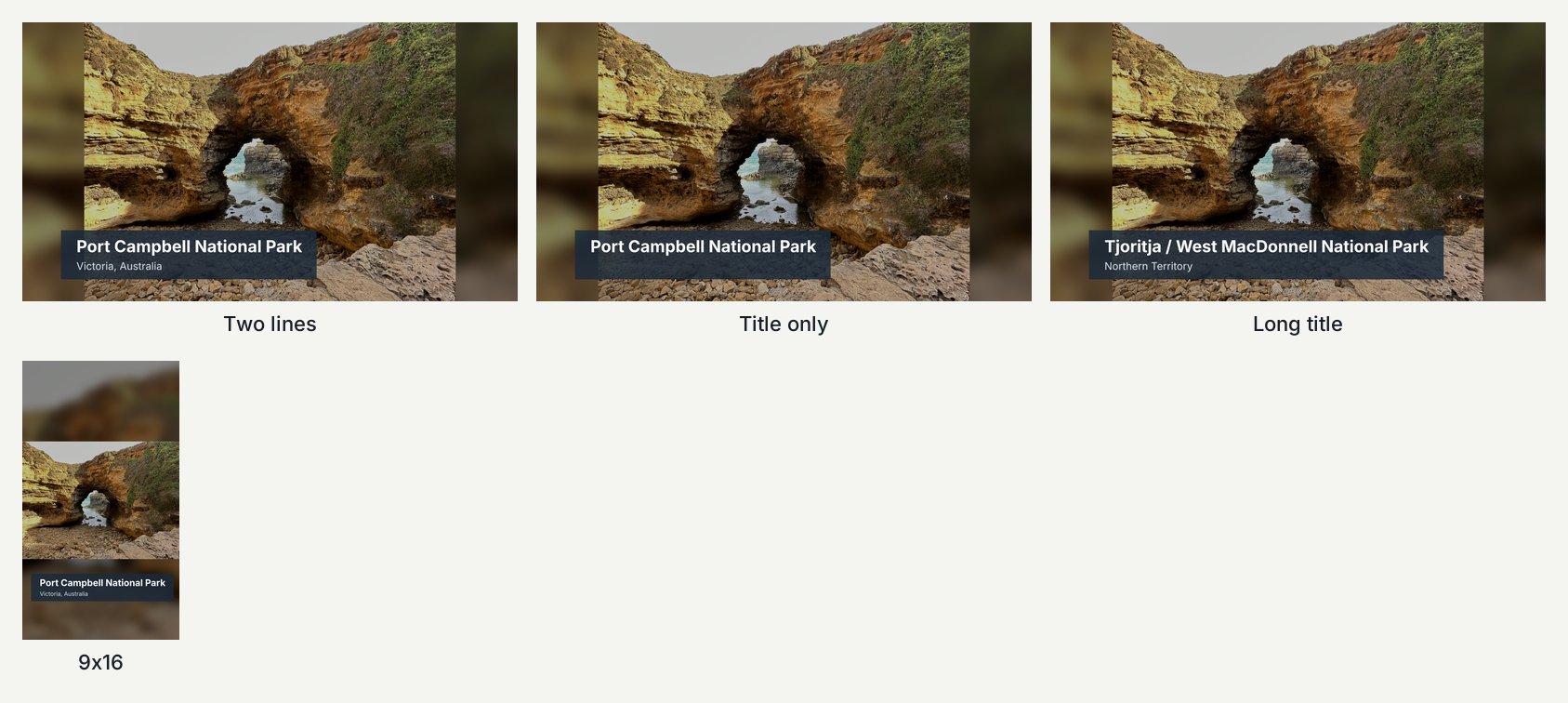
A dark bar with a title and subtitle slides in from the left, holds, and fades out; the bar fits the text. Download: 16x9 · 9x16 · Fonts: Inter Sizes: 16x9, 9x16 · Tested with EffectCraft 0.13.0–0.14.0 · Template folder
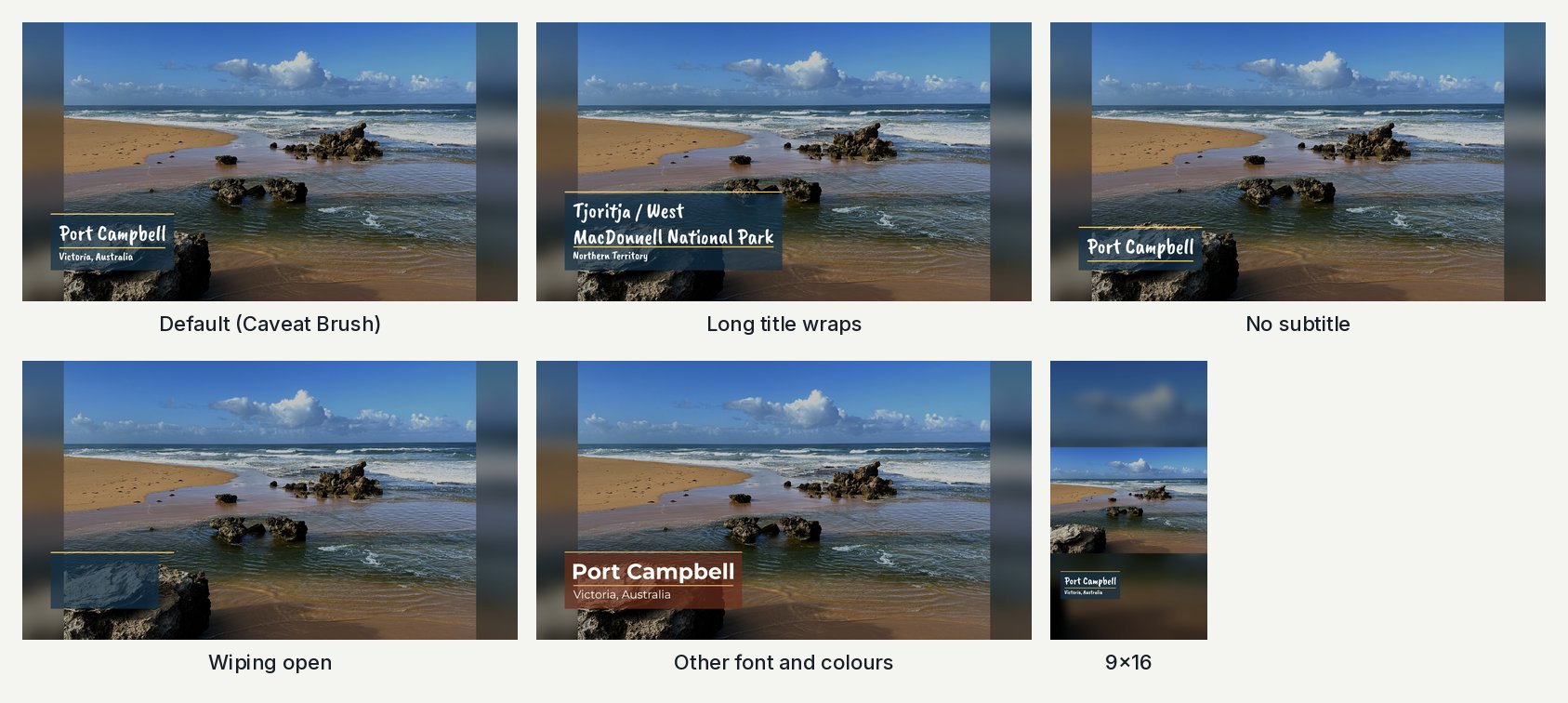
A line sweeps in, a see-through box wipes open and an underlined script title and subtitle fade in; it wipes shut before Duration. Download: 16x9 · 9x16 · Fonts: Caveat Brush Sizes: 16x9, 9x16 · Tested with EffectCraft 0.13.0–0.14.0 · Template folder
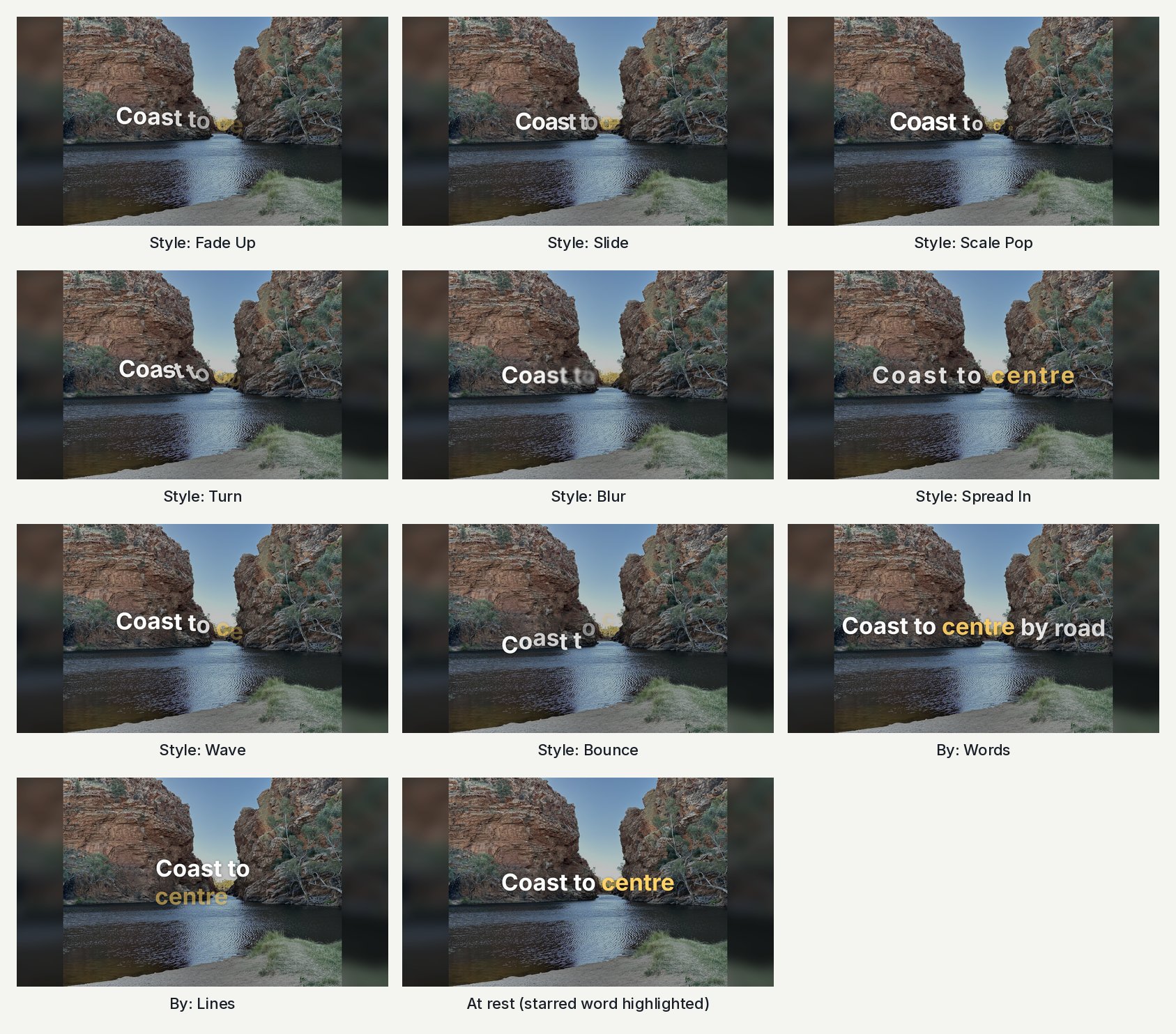
A title that animates in and out letter by letter, word by word or line by line, in one of eight styles; *starred* words take a highlight colour. Download: 16x9 · 9x16 · Fonts: Inter Sizes: 16x9, 9x16 · Tested with EffectCraft 0.13.0–0.14.0 · Template folder
Credits
Credits: all styles
Credits: demo reelCredits: demo reel (9x16)
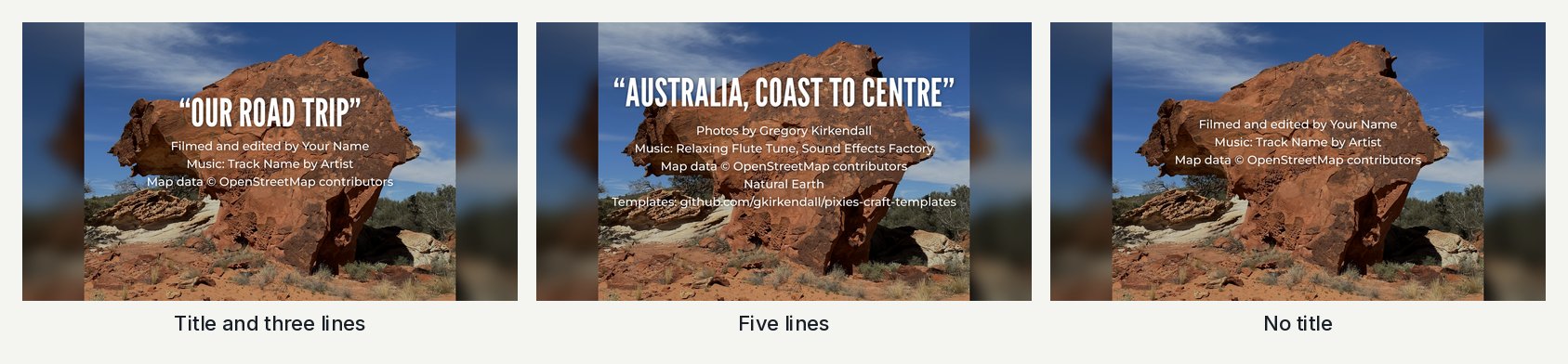
A title in quotes in tall condensed capitals with up to five credit lines under it, centred; empty lines close up. Download: 16x9 · 9x16 · Fonts: League Gothic · Montserrat Sizes: 16x9, 9x16 · Tested with EffectCraft 0.13.0–0.14.0 · Template folder
Sign-off
Sign-off: all styles
Sign-off: demo reelSign-off: demo reel (9x16)
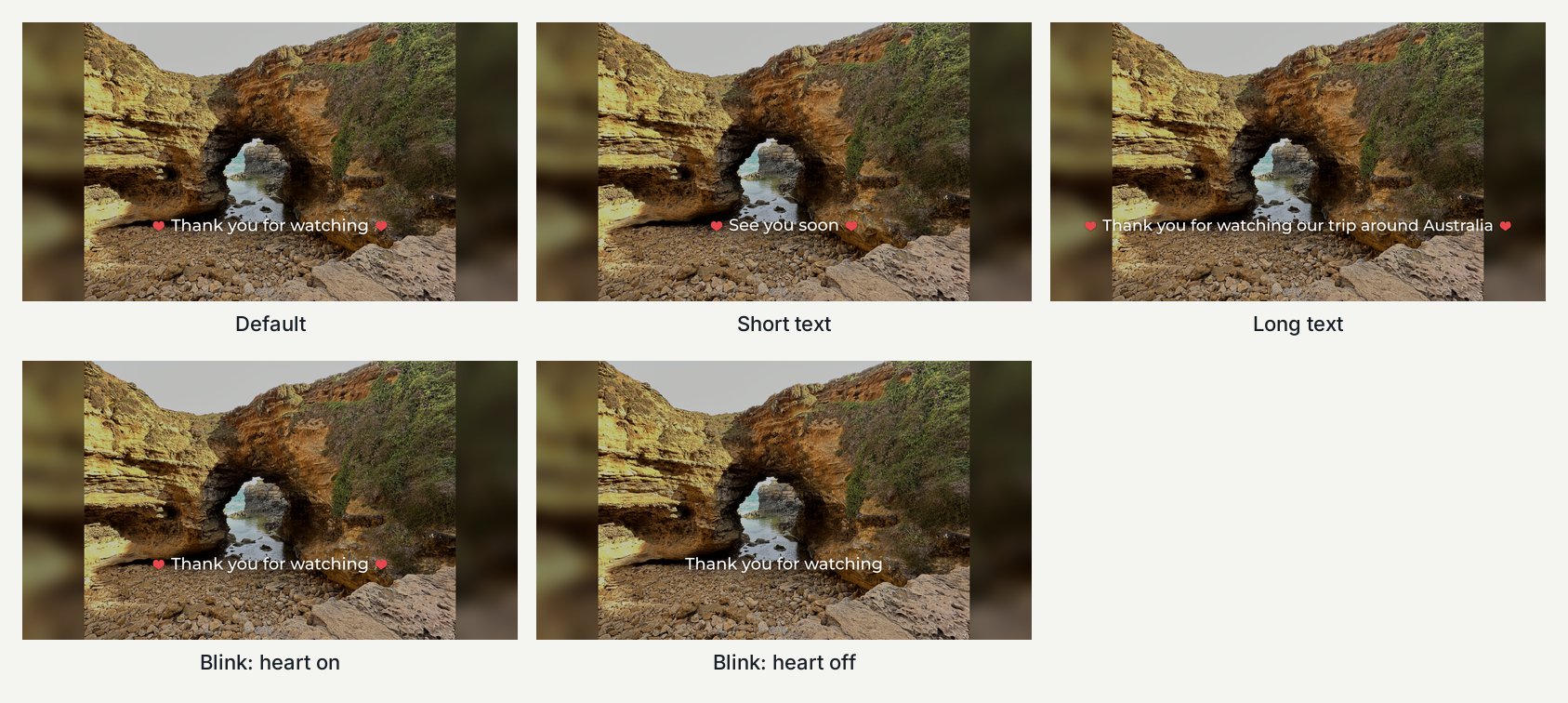
One line such as “Thank you for watching” between two hearts that follow its width; fades in, hearts pop. Download: 16x9 · 9x16 · Fonts: Montserrat Sizes: 16x9, 9x16 · Tested with EffectCraft 0.13.0–0.14.0 · Template folder
Title
Title: all styles
Title: demo reelTitle: demo reel (9x16)
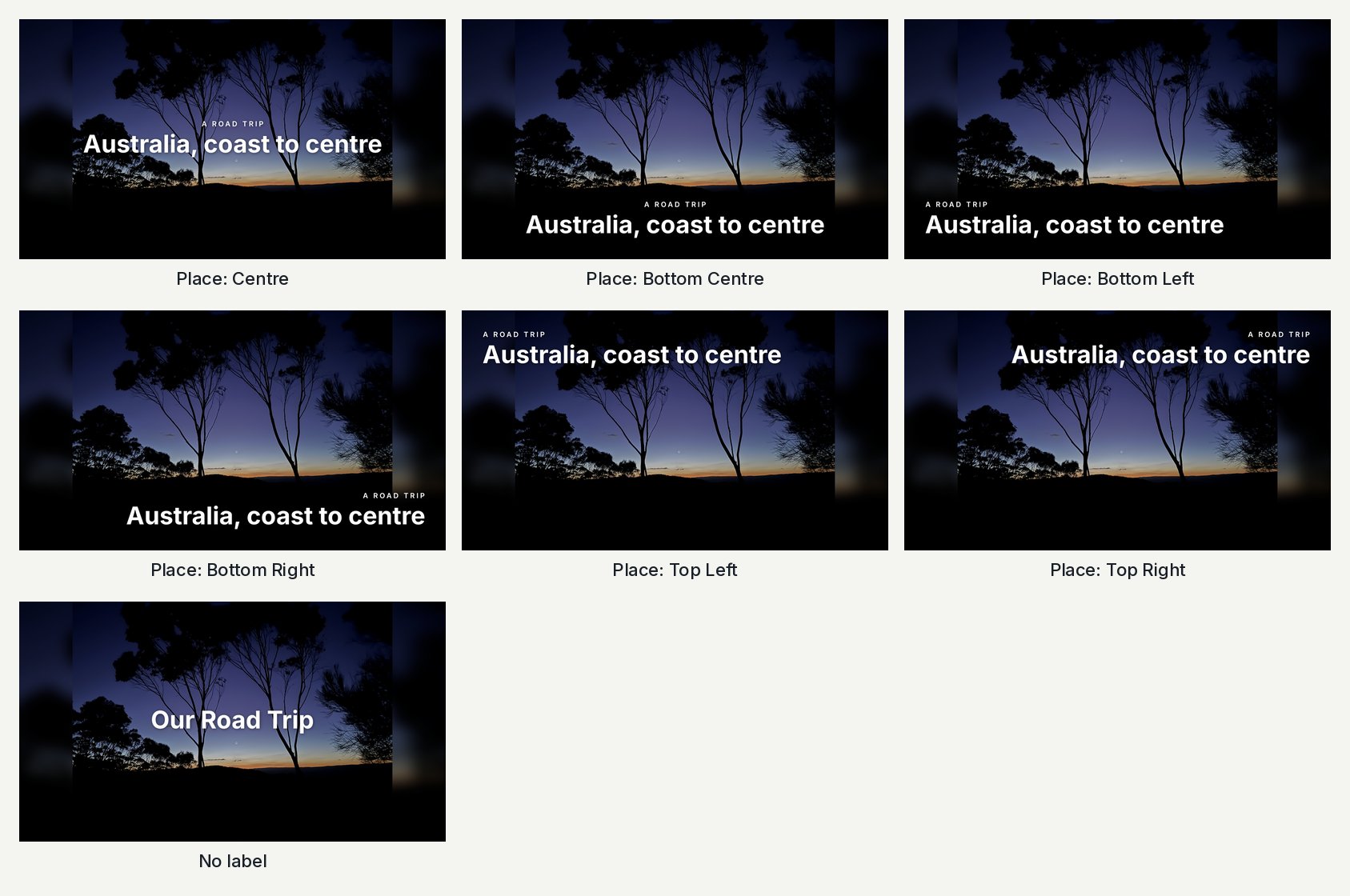
A title line with an optional small spaced-out label over it, in the centre, bottom centre or a corner; fades and rises in. Download: 16x9 · 9x16 · Fonts: Inter Sizes: 16x9, 9x16 · Tested with EffectCraft 0.13.0–0.14.0 · Template folder
Typewriter
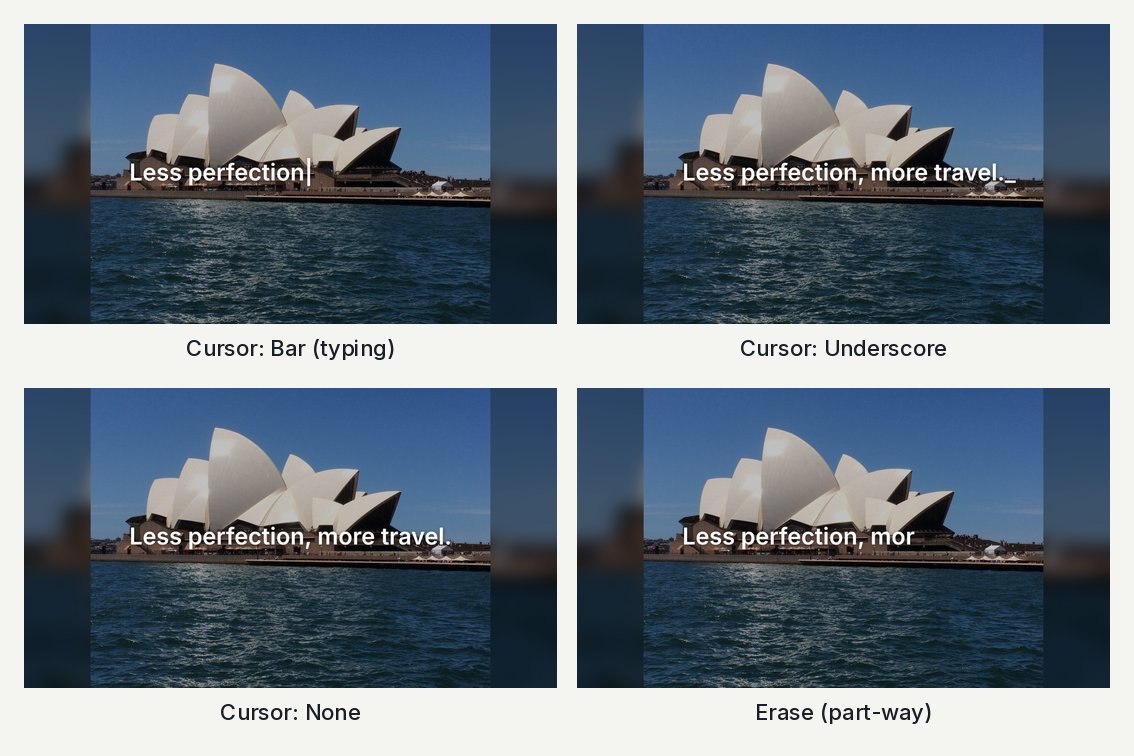
Typewriter: all styles
Typewriter: demo reelTypewriter: demo reel (9x16)
Text that types itself letter by letter with a blinking cursor, and can erase itself again; the finished line is centred. Download: 16x9 · 9x16 · Fonts: Inter Sizes: 16x9, 9x16 · Tested with EffectCraft 0.13.0–0.14.0 · Template folder
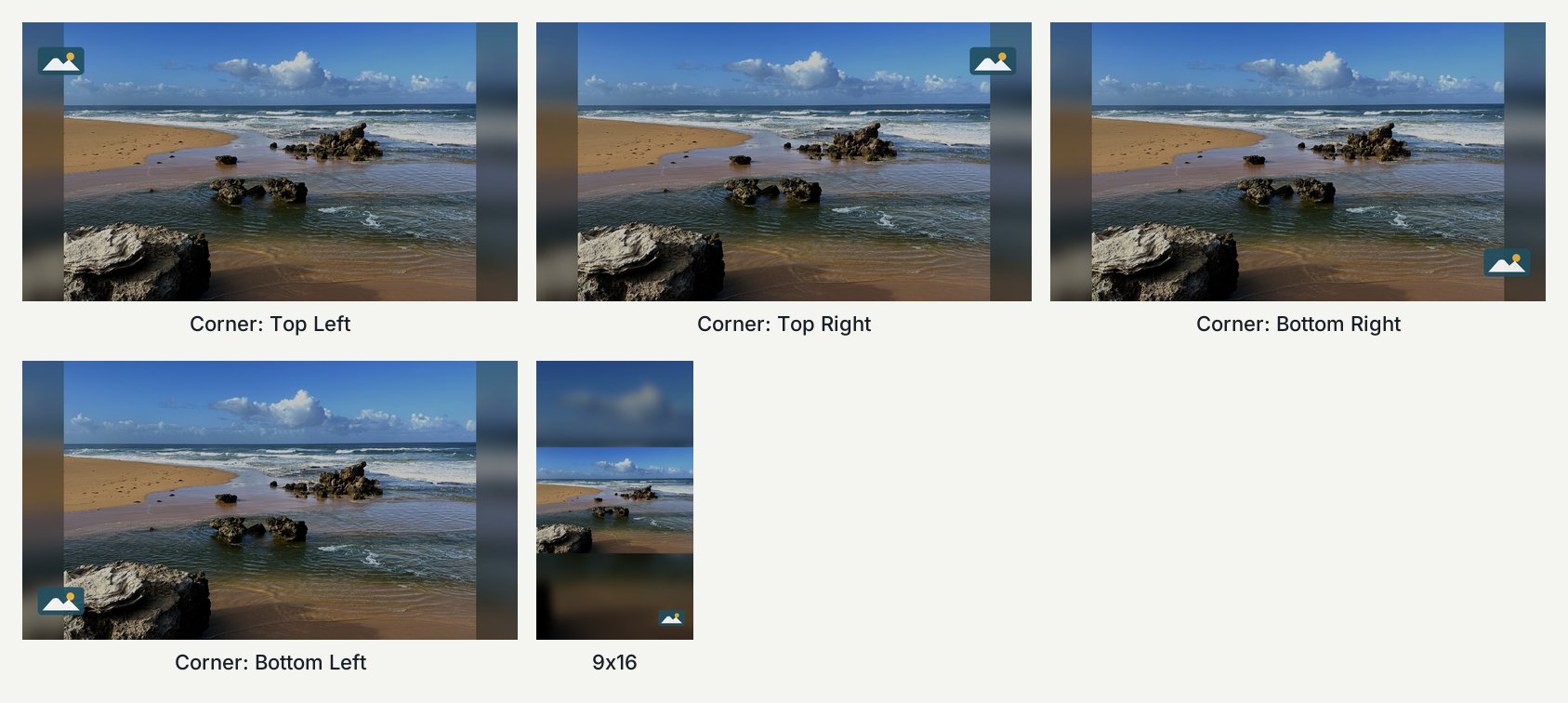
A logo of any shape fitted in a square box in a chosen corner; it fades and rises in, and fades out by the end. Download: 16x9 · 9x16 Sizes: 16x9, 9x16 · Tested with EffectCraft 0.13.0–0.14.0 · Template folder
Overlays
Glint
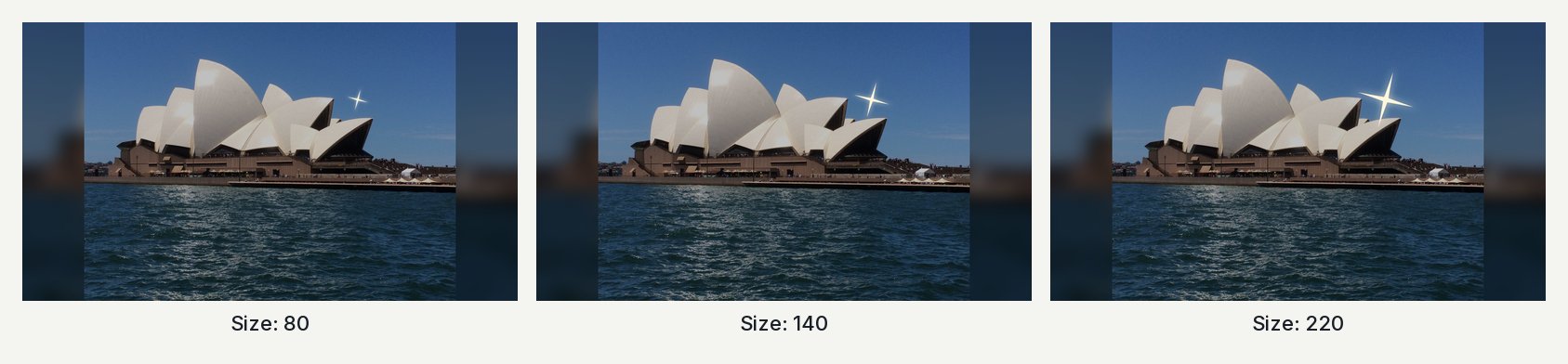
Glint: all styles
Glint: demo reelGlint: demo reel (9x16)
One four-point star glint that pops in, turns a little and fades over 1 s, with a soft glow; place as many as you like. Download: 16x9 · 9x16 Sizes: 16x9, 9x16 · Tested with EffectCraft 0.13.0–0.14.0 · Template folder
Glint Set
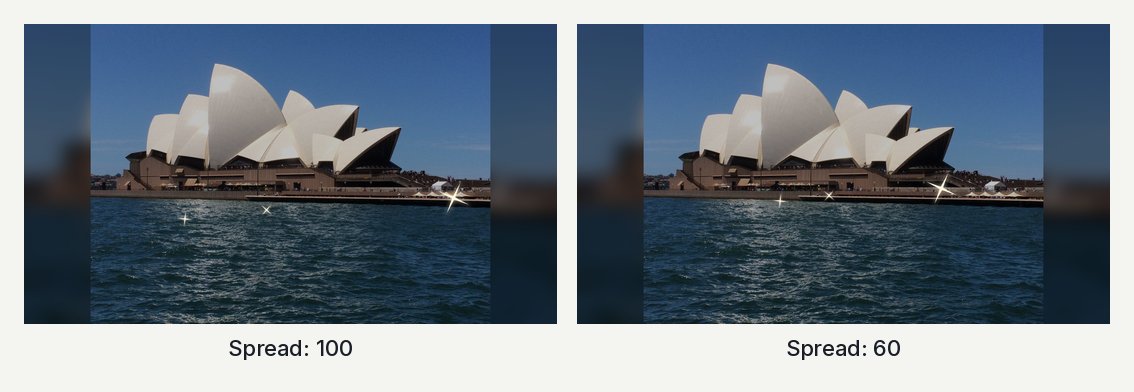
Glint Set: all styles
Glint Set: demo reelGlint Set: demo reel (9x16)
Six glints already placed and timed one after another across a title, ready to drop over a title picture. Download: 16x9 · 9x16 Sizes: 16x9, 9x16 · Tested with EffectCraft 0.13.0–0.14.0 · Template folder
Utility
Fill the Frame
Fill the Frame: all styles
Fill the Frame: demo reelFill the Frame: demo reel (9x16)
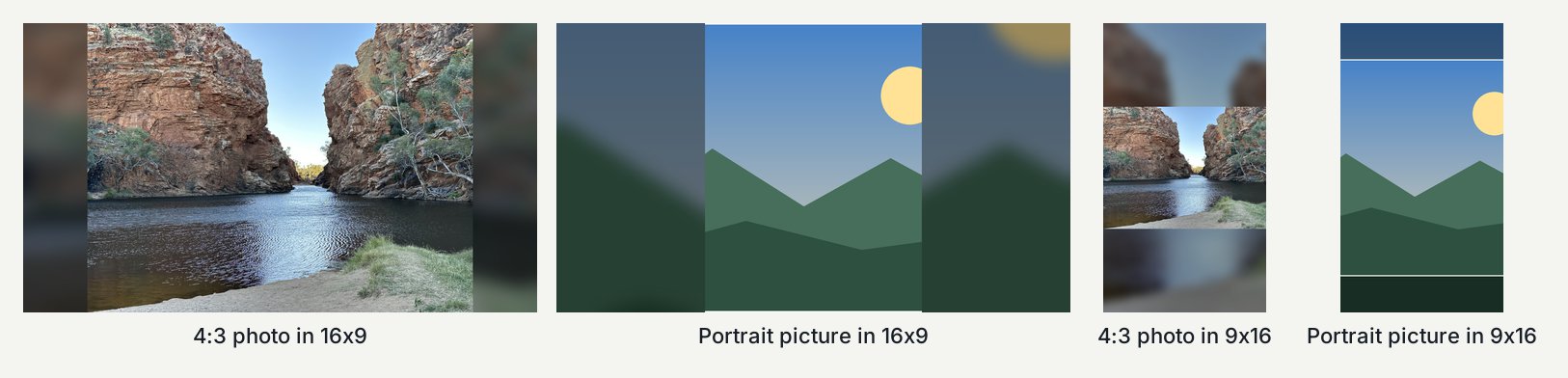
Shows a picture or clip of any shape whole, over a blurred, darkened copy of itself that fills the frame, instead of black bars. Download: 16x9 · 9x16 Sizes: 16x9, 9x16 · Tested with EffectCraft 0.13.0–0.14.0 · Template folder